
1.22.1 · beta for Mac · free and open source
Your coding agents, in a little pixel office.
Hire them. Manage them. Watch them work.
Each Claude Code, Codex, Gemini CLI, OpenCode or Grok session gets a desk, and a person who acts out what it’s doing. Hire by role, put a General Manager in charge, and answer any of them from your phone.
First setup guide: paste it into your coding agent and it does the setup
$ claude
> You’re the manager of this team. For each task I give you, open a new session in the right folder, brief it, and check on everyone every ten minutes.
# The manager takes the middle desk. Each new session walks in through the door.
$ SMOLCORP_HEADLESS=1 claude -p "Write the changelog for this release"
# No terminal to type into, so this one gets a desk upstairs.
Your own little AI company
Smolcorp puts your agent sessions in one room. Each one is a person at a desk: typing while it works, waving when it needs you, off to the coffee machine when there’s nothing to do.
Hire from an empty desk, by role. Give one of them the manager’s job, and it opens sessions, briefs them, checks on them and passes your answers along. You watch it all on your computer, or on your phone across the room.
The office is the dashboard
Every desk is a live session, named after its project, with what the agent is on underneath. A blinking ! means it’s waiting on you, a coffee and a ✓ means it’s done, head in hands is an error. Hold a desk for its keys: esc, Return, /clear and buttons of your own.
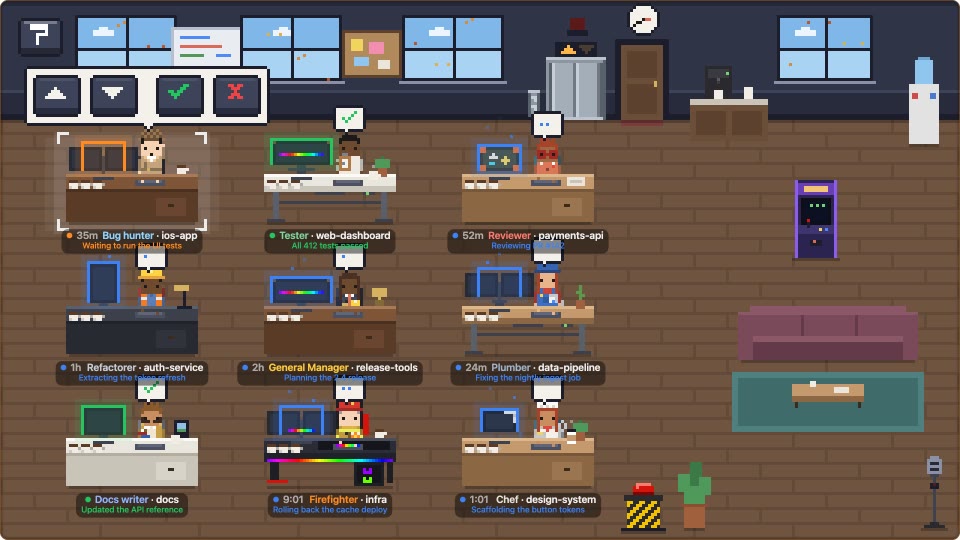
Then make it yours, with styles, furniture, pets and seasons. Pick a room:
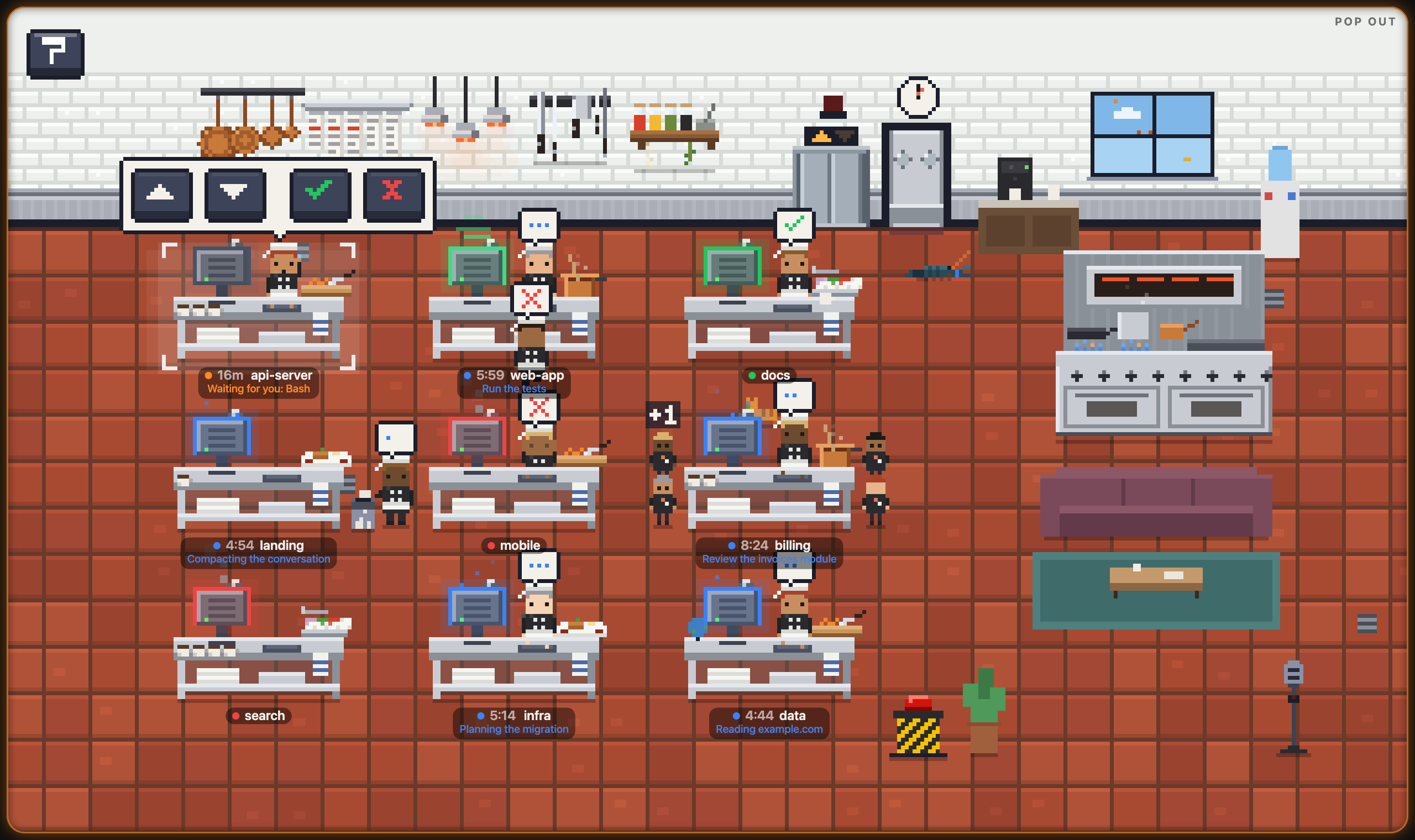
Hire by role
Turn on hiring in setup, hold the next free desk and pick who comes in. Each role has its own agent, model, effort, badge and instructions. A role never guesses: its first reply asks you which project, and its own questions.
General Manager Runs a team of agents toward your goal: plans the work, hires one agent per task with a brief of its own, checks their proof, has their work reviewed, and asks you only what’s yours to decide.
Add as many roles of your own as you like, each with a name, an agent, a model, an effort, a badge and instructions. Start from scratch, or from a brief in setup’s library: a Builder, a Designer, a Pixel artist, a Planner, a Fixer, a Study, and Security and Performance auditors.
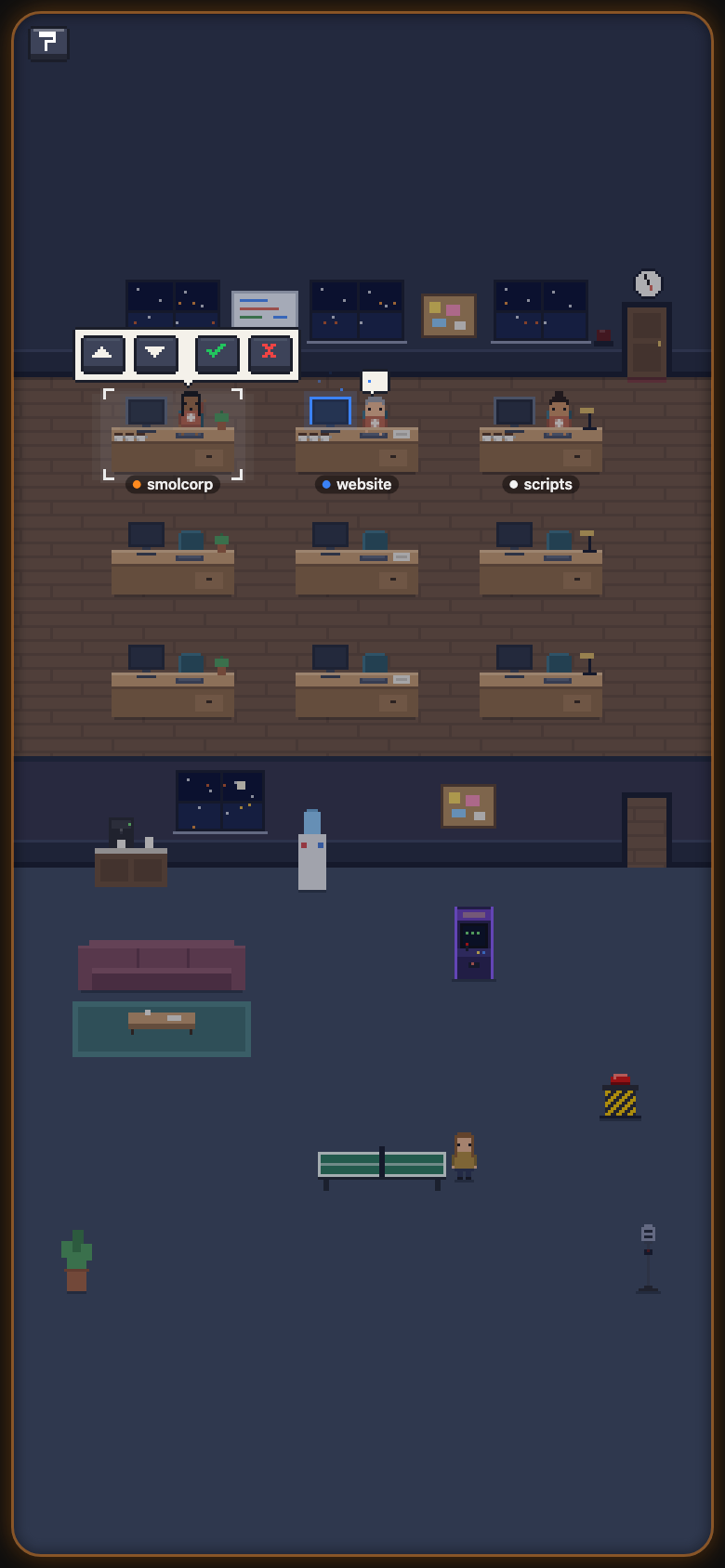
The office on your phone
When an agent is waiting on you, the room’s edge glows. Tap ✓ or ✕ from the couch, interrupt it, or hold the mic and talk to Claude Code.
Your phone reaches your computer over your Wi-Fi, or from anywhere with Tailscale. There’s no app to install: scan the pairing code and add the office to your Home Screen.
On a Mac, the office can also be your screen saver: choose Install Screen Saver… from the menu bar.
New in 1.22
Setup that does itself
Start here runs the checklist for you.
- Installed, agents reporting, phone paired, open at login: your computer checks each one
- A button on every line that puts it right, and Fix everything for all of them
- Or paste FIRST-SETUP.md into your coding agent and let it do the setup
- Your General Manager, hired in one click
Room for a bigger team
For when you run dozens of agents.
- Nine desks on the ground floor and five floors of twelve above, each floor with a name and a style you pick in setup
- The elevator’s call button lists the floors, with how many are on each; pick one to ride there
- Grok Bots at desks of their own, green when they’ve reported, with a card of their last action
- Every art pack, in the app
- Summaries with Claude on your own Anthropic API key, off until you turn them on
Get Smolcorp
One app, free and open source, with everything in it. On the Mac, 1.22.1 is a beta: it works day to day, and you can tell us what doesn’t in the issues on GitHub.
First setup guide: paste it into your coding agent and it does the setup
Windows and Linux alphas, and the source, on GitHub
Needs macOS 13 or later, and Claude Code, Codex, Gemini CLI, OpenCode or Grok. Windows and Linux builds are alphas, still in testing: they’re on GitHub, not here.